Microsoft Warns Outdated Windows PCs Could Lose Security Updates in 2027
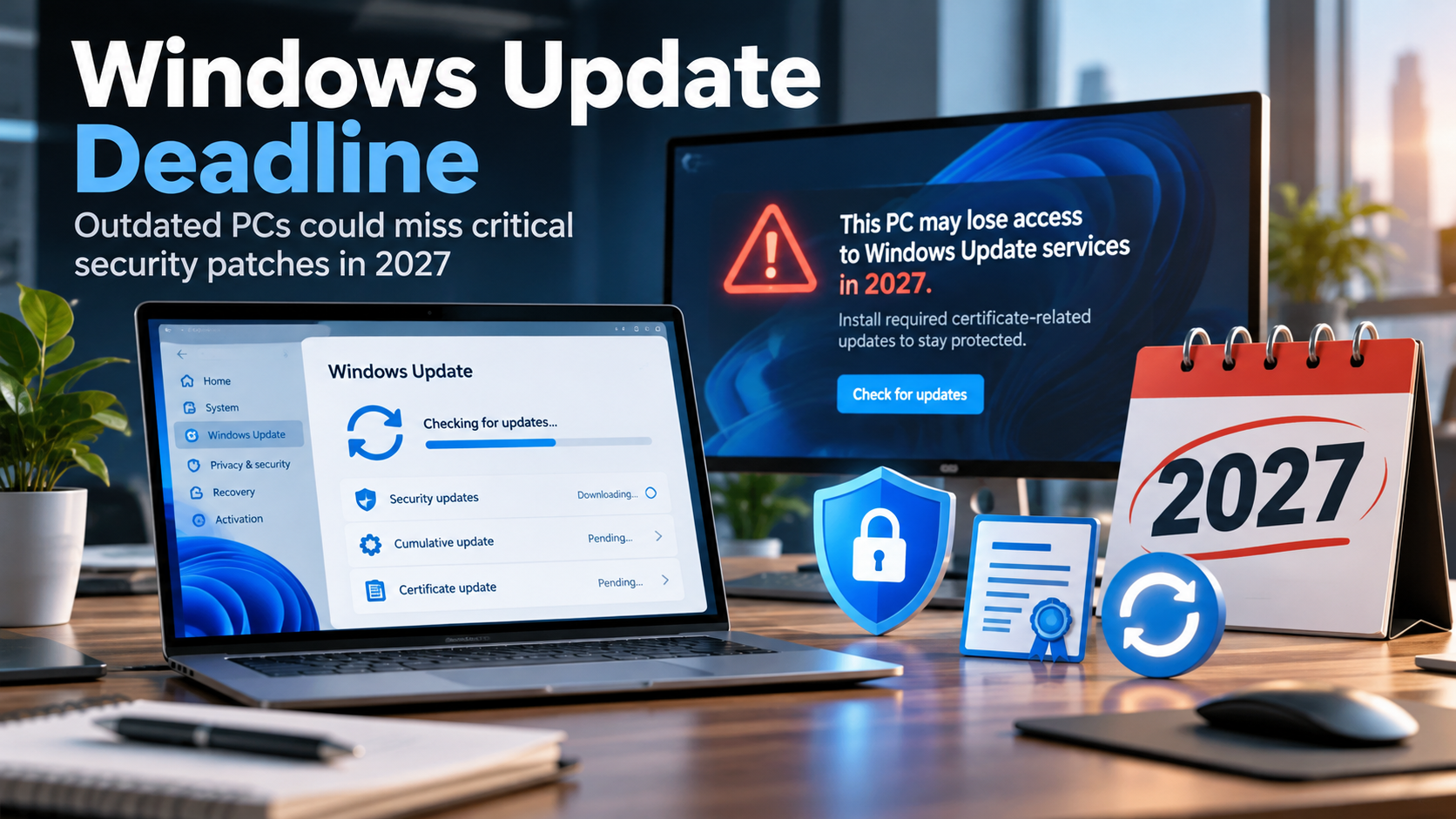
Microsoft is warning businesses that some Windows computers could lose access to Windows Update in 2027 unless important security updates are installed. The problem involves expiring digital certificates used to establish trusted connections to Microsoft’s update services. For organizations running older computers, the consequences could include missed security patches, increased cybersecurity risks, and unexpected IT expenses.
A Routine Microsoft Security Change Could Leave Business Computers Without Critical Updates
Imagine discovering that several computers in your business have quietly stopped receiving Windows security updates. Everything appears to be working normally. Employees can access their files, open applications, and send emails. Yet the computers are no longer receiving the security patches designed to protect them against newly discovered vulnerabilities.
That is the scenario Microsoft is warning organizations to prepare for.
In an advisory published October 8, 2026, Microsoft announced that certain security certificates used by Windows Update will expire in 2027. Computers that have not received the necessary replacement certificates could lose access to Microsoft’s update services.
The good news is that most supported, properly maintained Windows computers are already protected. The concern is with older devices, computers that have fallen behind on updates, and systems running unsupported versions of Windows.
What Is Changing With Windows Update?
Windows Update relies on digital certificates to establish trusted connections between your computer and Microsoft’s update servers.
Think of these certificates as digital identification cards. They help your computer verify that it is communicating with legitimate Microsoft update services rather than an unauthorized source.
Like other security certificates, these digital credentials have expiration dates and must periodically be replaced.
Microsoft has identified two important expiration dates:
- May 17, 2027: Certain certificates used by older Windows releases will expire.
- June 19, 2027: Additional Windows Update certificates will expire.
If a computer does not have the appropriate replacement certificates by its applicable deadline, it may no longer be able to connect to Windows Update and download new updates through that service.
This is not a newly discovered vulnerability or an active cyberattack. It is a planned security maintenance change. However, businesses that fail to prepare could find themselves facing an avoidable security problem.
Which Windows Computers Could Be Affected?
The answer depends on the version of Windows installed and how recently the computer has been updated.
According to Microsoft’s guidance:
- Windows 11 version 25H2 and newer: No additional action is required for this certificate change.
- Windows 11 version 24H2 and Windows Server 2025: Devices must have the September 2025 Windows security update or a later applicable update installed before June 19, 2027.
- Other supported Windows 11 versions and Windows Server 2022: Devices require the July 2026 Windows security update or a later applicable update before June 19, 2027.
- Supported Windows 10 systems: These require the July 2026 security update or a later applicable update before June 19, 2027.
- Windows 10 Enterprise 2019 LTSC, Windows Server 2019, and Windows Server 2016: Devices must receive the July 2026 security update or a later applicable update before May 17, 2027.
- Unsupported Windows versions: Microsoft recommends upgrading to a supported version of Windows.
Important: Installing the required certificates does not extend the support lifecycle of an outdated operating system. A computer must also be running a supported Windows release, or be covered by an applicable Extended Security Updates program, to remain eligible for the security updates Microsoft provides.
Microsoft also states that this particular certificate change does not apply to devices receiving updates through Windows Server Update Services (WSUS). However, organizations using WSUS still need to maintain supported operating systems and properly functioning update infrastructure.
Why This Matters to Small and Midsize Businesses
For businesses with only a handful of computers, keeping Windows updated may seem straightforward. But as organizations grow, maintaining consistent security updates becomes more complicated.
Consider a company with 40 employees, multiple offices, and several computers used only occasionally.
Some employees work remotely. A few computers are kept in storage as backups. Others support specialized equipment or run business applications that have not been updated in years.
Those overlooked systems are precisely the type of devices that can fall behind on important operating system updates.
The consequences extend beyond a computer displaying an error message.
1. Increased Exposure to Cyberattacks
Microsoft regularly releases security patches addressing vulnerabilities in Windows and related components.
If a computer cannot receive those updates, newly discovered vulnerabilities may remain unpatched. Attackers frequently target known weaknesses in outdated software, particularly when organizations have failed to apply available fixes.
A single unpatched computer can become an entry point into a larger business network.
2. Compliance and Cyber Insurance Concerns
Many industries have cybersecurity requirements involving supported software, vulnerability management, and timely security patching.
Cyber insurance providers may also evaluate an organization’s software maintenance practices when assessing risk or reviewing coverage conditions.
A computer that is consistently missing security updates can create unnecessary compliance concerns and complicate efforts to demonstrate that reasonable cybersecurity protections are in place.
3. Unexpected Business Disruptions
When updates stop working, resolving the problem may require more than selecting a button and restarting the computer.
IT administrators may need to manually install updates, repair damaged update components, troubleshoot compatibility issues, or replace outdated equipment.
For businesses that depend on their computers throughout the workday, these problems can create avoidable downtime and support expenses.
4. Older Systems Can Be Forgotten
One of the greatest challenges is identifying every computer connected to a business environment.
Computers used for accounting, manufacturing, point-of-sale systems, remote work, or occasional administrative tasks may not receive the same attention as everyday office workstations.
Without centralized monitoring, these devices can remain outdated for months without anyone noticing.
What Should Businesses Do Before 2027?
Microsoft’s announcement provides organizations with an opportunity to address these issues well before the certificates expire.
We recommend five practical steps.
1. Identify Every Windows Device
Start with an accurate inventory of computers, laptops, servers, and other devices running Windows.
Record each device’s Windows version, support status, and most recent successful security update.
Don’t overlook remote employees, infrequently used systems, or equipment running specialized software.
2. Review Windows Update Status
Confirm that supported computers are receiving and successfully installing Microsoft’s monthly security updates.
Pay particular attention to devices reporting repeated update failures or computers that have not checked in with management systems for an extended period.
3. Upgrade Unsupported Operating Systems
Older Windows versions may no longer qualify for ongoing security updates.
These systems should be evaluated for an upgrade, replacement, or an appropriate supported servicing option.
Businesses should also check application compatibility before replacing or upgrading systems that support essential operations.
4. Verify That Updates Are Actually Installing
Enabling automatic updates is important, but it is not the same as confirming successful installation.
Updates may fail because of insufficient storage, software conflicts, device management settings, interrupted installations, or other technical problems.
Businesses need a way to identify these failures and resolve them before they become security risks.
5. Work With Your IT Support Provider
A qualified IT services provider can review your Windows environment, identify affected devices, confirm update compliance, and establish a plan to address systems that require attention.
For organizations with multiple offices or remote employees, centralized patch management can make this process considerably more manageable.
Does This Mean Windows Update Will Stop Working for Everyone?
No.
This is an important distinction in Microsoft’s announcement.
Computers running supported versions of Windows that have received the necessary updates should continue connecting to Windows Update normally.
Microsoft has already distributed the replacement certificates through Windows security updates. As a result, most businesses maintaining current Windows environments will not need to perform a separate certificate installation.
The primary concern is organizations with older systems or computers that have not received the required updates.
Even if an eligible computer misses the certificate deadline, Microsoft’s guidance explains that administrators can obtain the necessary updates directly through the Microsoft Update Catalog or deploy them using existing management tools.
Still, preventing the problem is far easier than repairing it across an entire organization.
The Bigger Lesson: Your Business Needs a Windows Update Strategy
Microsoft’s warning highlights a problem that extends beyond expiring certificates.
Many businesses assume that because a computer is functioning normally, it must also be secure and properly maintained.
Unfortunately, that assumption can be costly.
Operating systems require ongoing maintenance. Security updates, software compatibility, certificate changes, and product support deadlines all affect how reliably and securely your technology operates.
A business that maintains an accurate device inventory, monitors patch installation, and plans equipment upgrades is much less likely to be surprised by changes such as this one.
And with cybercriminals continuing to exploit outdated systems, staying current with security updates remains one of the most practical cybersecurity measures any organization can take.
Is Your Business Ready for Microsoft’s 2027 Windows Update Changes?
May and June 2027 may seem a long way off, but businesses should not wait until the deadlines approach to discover which computers need attention.
Now is an ideal opportunity to review your Windows environment, identify outdated devices, and ensure that critical security updates are installing successfully.
Our IT team can help.
We can assess your existing Windows computers and servers, review update status, identify unsupported systems, and develop a practical plan to keep your business technology secure, supported, and reliable.
Contact us today to schedule a Windows update and security assessment.
Sources and Additional Information: